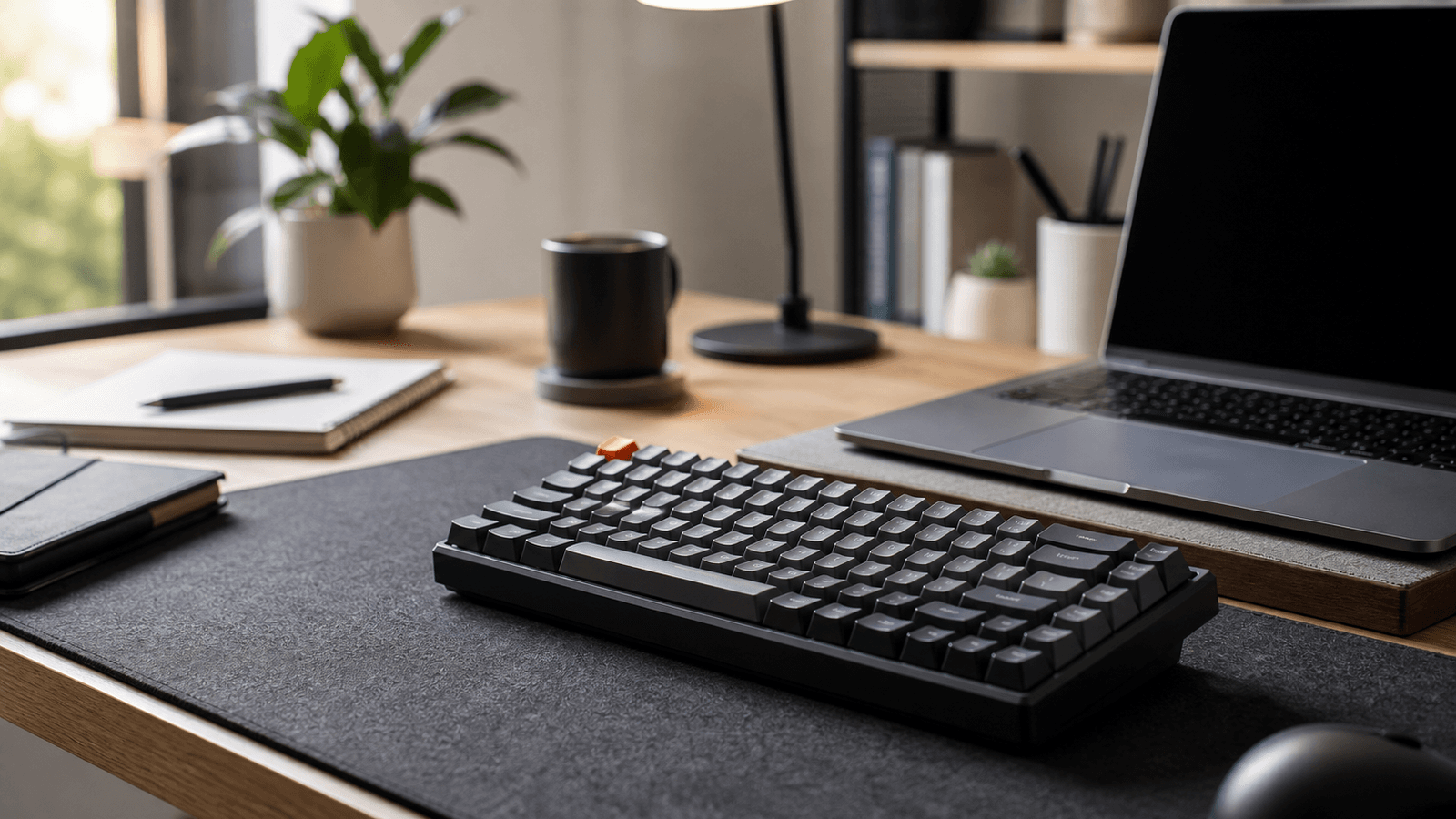
From gaming desks to home offices
For years, mechanical keyboards were treated as niche products for gamers and hardware enthusiasts. They were associated with colorful RGB lighting, loud clicks, and competitive gaming setups. Today, that perception has changed.
Remote workers, programmers, writers, students, and content creators are adopting mechanical keyboards because a keyboard is no longer a minor accessory when it is used for hours every day. The appeal goes far beyond gaming: typing feel, durability, layout choices, and repairability can all improve the daily computer experience.
What Is a Mechanical Keyboard?
A mechanical keyboard uses an individual switch beneath each key. Traditional membrane keyboards usually rely on a rubber-dome sheet that collapses when a key is pressed. Mechanical switches use a dedicated mechanism with a more consistent travel path and actuation point.
The result is not automatically a faster typist or a better gamer. The real advantage is choice: users can select a switch feel and keyboard layout that match their work habits, noise tolerance, desk space, and budget.
Why Typing Feel Matters
A keyboard is one of the most frequently used parts of a workstation. Mechanical switches can provide clearer feedback and more consistent key presses, which many people find more comfortable during long writing or coding sessions.
Consistent Actuation
Each key uses its own switch, creating a repeatable feel across the keyboard.
Feedback Options
Choose smooth, tactile, or clicky switches according to your typing preference.
Layout Flexibility
Compact layouts can free desk space without forcing every user into the same design.
Repairability
Hot-swappable models allow switches to be replaced without soldering.
Understanding the Three Common Switch Types
Switch selection matters more than RGB lighting. There is no universal best switch, so the right option depends on where and how the keyboard will be used.
| Switch Type | Feel | Best For | Considerations |
|---|---|---|---|
| Linear | Smooth travel without a tactile bump | Gaming, quiet setups, and users who prefer fluid keystrokes | Light switches may cause accidental presses for some typists |
| Tactile | Noticeable bump near the actuation point | Writing, programming, office tasks, and balanced daily use | Often a safe starting point for first-time buyers |
| Clicky | Tactile bump with an audible click | Users who enjoy strong feedback and a typewriter-like sound | May be distracting in shared offices or during calls |
Built for Longer-Term Use
Many mechanical switches are rated for tens of millions of key presses. That does not mean every keyboard has the same build quality, but it gives well-designed mechanical keyboards an advantage for people who type heavily every day.
Look beyond switch lifespan. Keycap material, stabilizer quality, case construction, cable replacement, firmware support, and the ability to replace switches can matter just as much over several years of use.
- Hot-swappable sockets: replace switches without soldering.
- Detachable USB-C cable: easier to replace and pack for travel.
- PBT keycaps: often resist shine better than basic ABS keycaps.
- Reliable stabilizers: improve the feel of larger keys such as Space, Enter, and Shift.
- Software or firmware support: useful for remapping shortcuts and layers.
Why Remote Workers and Creators Are Switching
Home-office users often spend six to ten hours per day moving between email, documents, meetings, spreadsheets, editing tools, and browsers. A keyboard will not solve poor posture by itself, but a suitable layout and switch type can make long work sessions more pleasant.
Quiet tactile or linear switches are usually better choices for shared spaces and video calls. Programmers may value layers and remapping. Writers may prioritize tactile feedback. Spreadsheet-heavy users may still prefer a full-size layout with a numeric keypad.
Gaming Still Matters
Gaming remains a major reason to choose a mechanical keyboard. Consistent key registration, durable switches, anti-ghosting, and N-key rollover can be useful during fast-paced play. However, the best gaming keyboard is not always the model with the most lighting effects.
Choose the Right Keyboard Layout
| Layout | What It Keeps | Best For |
|---|---|---|
| 60% | Core typing keys in a very compact footprint | Minimal desks, portability, and users comfortable with function layers |
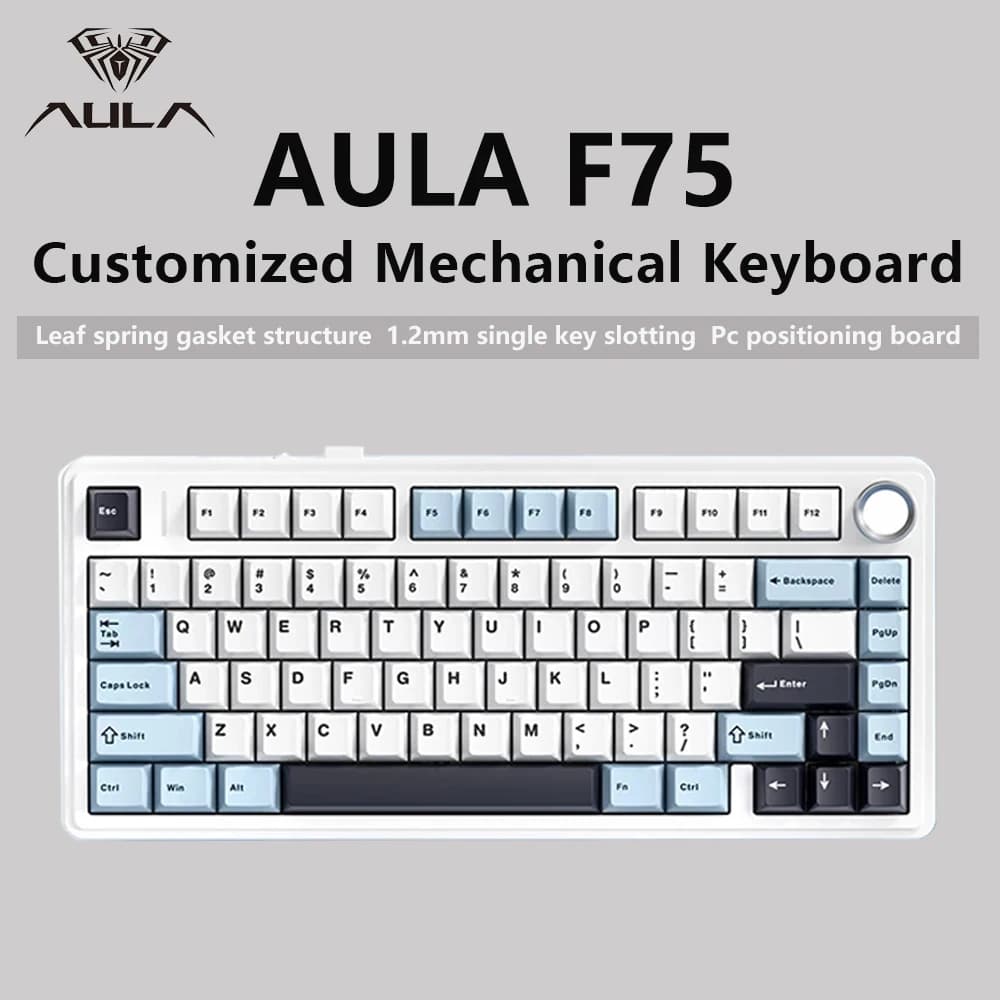
| 75% | Arrow keys and a compact function row | Balanced everyday use, programming, writing, and gaming |
| TKL | Most standard keys without the numeric keypad | Users who want familiar spacing with more room for a mouse |
| Full-size | Numeric keypad and full navigation cluster | Finance, data entry, spreadsheets, and traditional office workflows |
Are Mechanical Keyboards Worth It?
A standard keyboard remains adequate for occasional use. But a mechanical keyboard can be a worthwhile upgrade if you type frequently, work from home, write code, create content, play games regularly, or simply want a device that is easier to personalize and maintain.
- Choose the layout before choosing the appearance.
- Use tactile or quiet linear switches if you are unsure where to start.
- Check whether the keyboard is wired, wireless, or supports both.
- Confirm hot-swap support if you want to experiment with switches later.
- Read reviews for stabilizer quality, wireless reliability, and software limitations.
Final Thoughts
Mechanical keyboards have evolved far beyond their gaming roots. The category now includes quiet office boards, compact travel keyboards, customizable enthusiast models, and practical productivity tools.
The best keyboard is not necessarily the loudest, most expensive, or most colorful option. It is the model whose layout, switch feel, noise level, and connectivity fit the way you actually use your computer.